
Technical Problem: EBT Card Denial at Retailers
Texas residents using the Lone Star Card for SNAP benefits may experience issues where their EBT card is denied at retailers. This often happens due to changes in purchase eligibility, system errors, or incorrect data entry at the point of sale. Since the introduction of the new SNAP restrictions effective April 1, confusion regarding eligible and ineligible items has increased, leading to card denials.
Step-by-Step Fix for Texas Residents
-
Verify Item Eligibility:
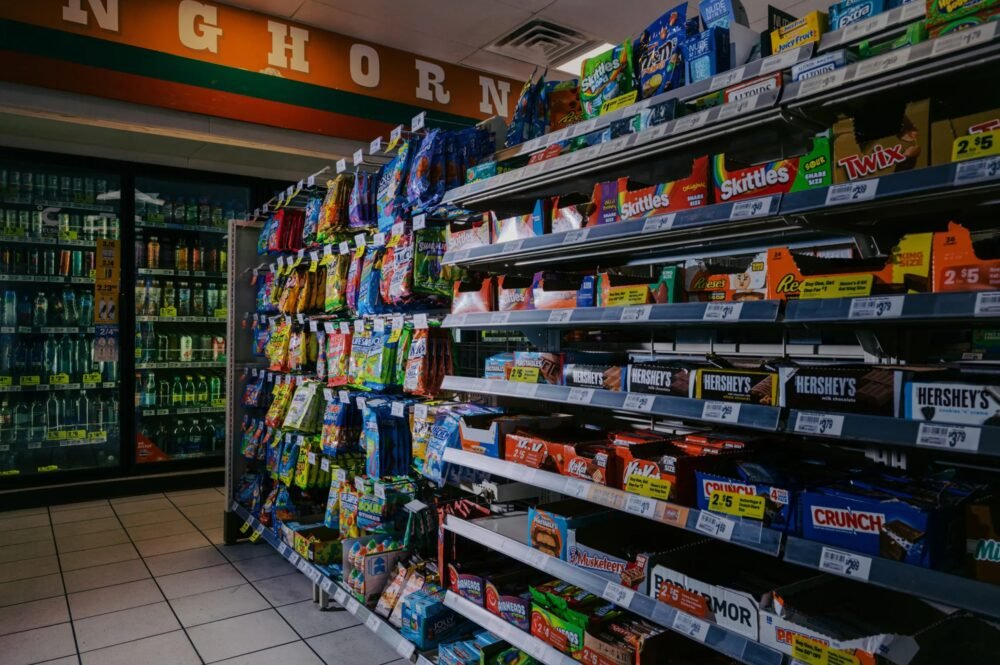
- Check if the items being purchased are eligible. Refer to the SNAP guidelines to determine what can and cannot be purchased. As of April 1, candy and sweetened beverages are prohibited.
- Review the nutrition labels to ensure items contain less than 5 grams of added sugars and no artificial sweeteners.
-
Confirm EBT Card Status:
- Log in to your YourTexasBenefits portal to ensure your EBT card is active and that there are no holds or issues with your account.
- Look for any alerts or notifications regarding your benefits that may affect your card’s usability.
-
Check Retailer Compliance:
- Ensure the retailer is informed about the new guidelines. Some systems may not have updated yet, affecting their ability to process EBT transactions.
- If possible, consult with store staff to confirm they are updated on the new SNAP restrictions.
-
Ensure Correct Entry of Information:
- At the point of sale, make sure the cashier properly enters your EBT information. Incorrect entry can lead to card denial.
- Politely ask the cashier to check if they entered the card number and PIN correctly.
-
Try a Different Retailer:
- If your EBT card continues to be declined, consider trying a different retailer. Some stores are quicker to adapt to new regulations than others.
- Confirm that the chosen retailer is authorized to accept EBT benefits.
-
Reboot Payment Terminal:
- If you encounter a technical glitch, ask the cashier to restart the payment terminal. This can sometimes resolve minor issues caused by system errors.
-
Contact Customer Support:
- If all else fails, call the Lone Star Help Desk at the number on the back of your Lone Star Card. They may be able to provide immediate assistance and verify the status of your account.
- Keep Records:
- Document your transactions, including dates and disallowed items, to refer to if needed when contacting customer support or for future reference.
Root Causes of This Issue
-
New Legislative Changes:
- The implementation of Senate Bill 379 restricts purchases of certain sugary items, leading to confusion among users and retailers regarding eligible items.
-
System Errors:
- Temporary glitches in the EBT processing systems at retailers can cause card denials, particularly during busy hours or after recent updates.
-
Retailer Non-Compliance:
- Some retailers may not have updated their systems to comply with the latest SNAP changes, leading to incorrect transaction denials.
-
User Errors:
- Incorrectly entering PINs or card numbers can also result in denials at checkout.
- Account Issues:
- Lapses in benefits or unexpected holds can lead to your EBT card being temporarily inactive.
When to Contact the Lone Star Help Desk
Contact the Lone Star Help Desk in the following scenarios:
- Persistent Denials: If your EBT card continues to be denied despite confirming item eligibility and retailer compliance.
- Account Changes: If your benefits have changed or been suspended unexpectedly without notification.
- Technical Issues: If you are experiencing repeated system errors or malfunctions at multiple retailers.
- Clarification: If you have questions about specific eligible and non-eligible items or any updates affecting your benefits.
- Forgotten PIN: If you forget your EBT card PIN or suspect it might have been compromised.
For immediate assistance, have your Lone Star Card on hand when you contact customer support. Visit the YourTexasBenefits portal for additional resources and information on your benefits.